How to add or remove input fields dynamically Using Jquery
Dynamic add or remove of input field using jquery is very useful in web projects and commonly now a days. Here in this article, very simple code for dynamic add/remove input field is going to discuss.
This is useful when we need multiple input fields required or multiple file uploading in a webpage. Using jquery multiple input fields or file or image uploading can be added easily nd in a simple way for user. In this article and demo we have performed this event using javascript code and loading jquery library file. Let us take look how to add/remove input fields dynamically.
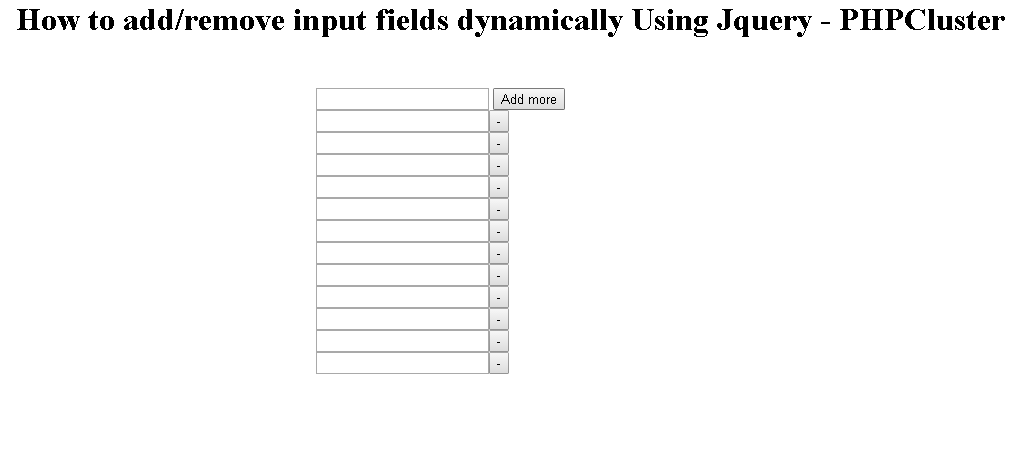
Here is diving code in three parts which are shown below:
Javascript
<script src="https://ajax.googleapis.com/ajax/libs/jquery/2.1.3/jquery.min.js"></script>
<script type="text/javascript">
$(document).ready(function(){
$('#add').on('click', function(){
var newfield = '<div><input type="text" name="field[]" ><button class="remove">-</button> </div>' ;
$('#container').append(newfield);
});

$(document).on('click','.remove' , function(){

$(this).parent('div').remove();

});
});
</script>
HTML
<div id="container">
<div>
<input type="text" name="field[]" >
<button id="add">Add more</button>
</div>
</div>
CSS
<style>
#container{margin-left:450px;margin-top:250px;}
</style>